

Home / Training
Learn at your own pace.
Short videos, step-by-step guides and examples of what to tell your AI assistant. The full set is live for Finance today.
Videos and guide articles are currently in Turkish.
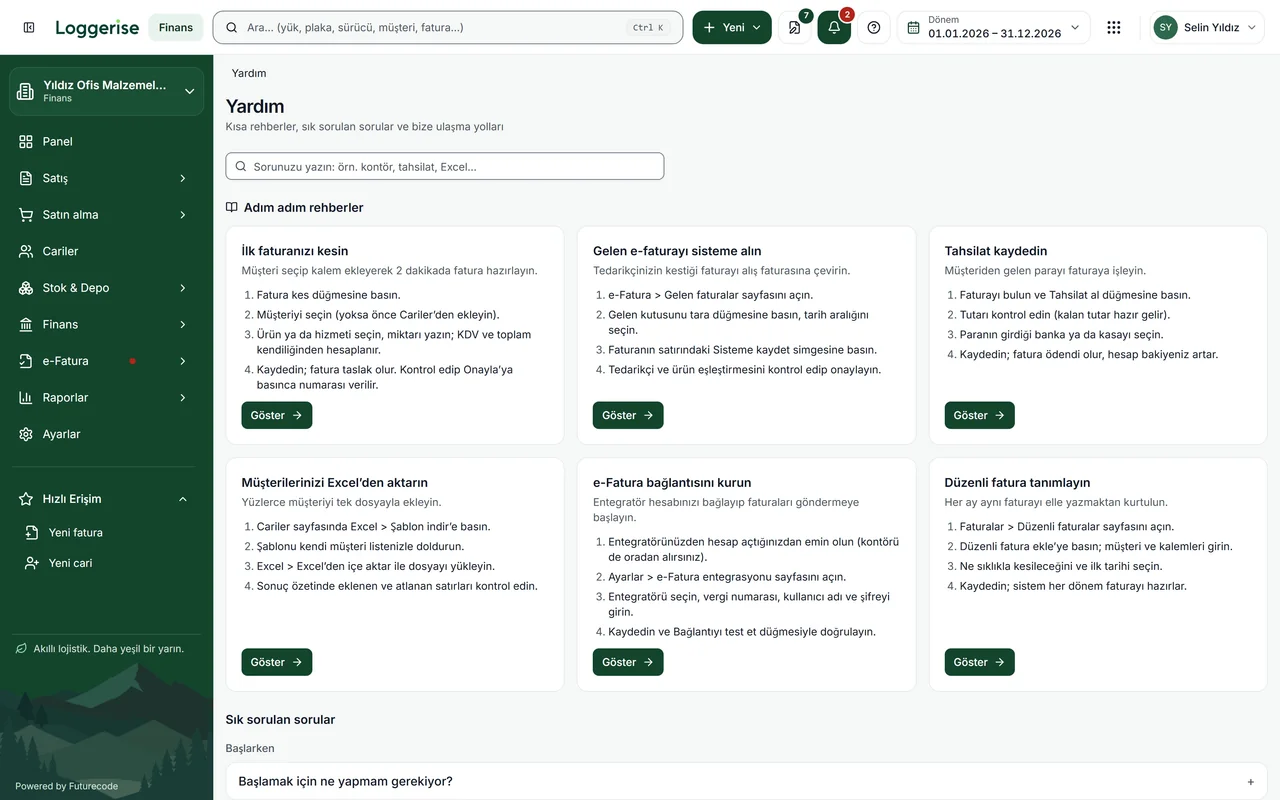
What is Loggerise training?
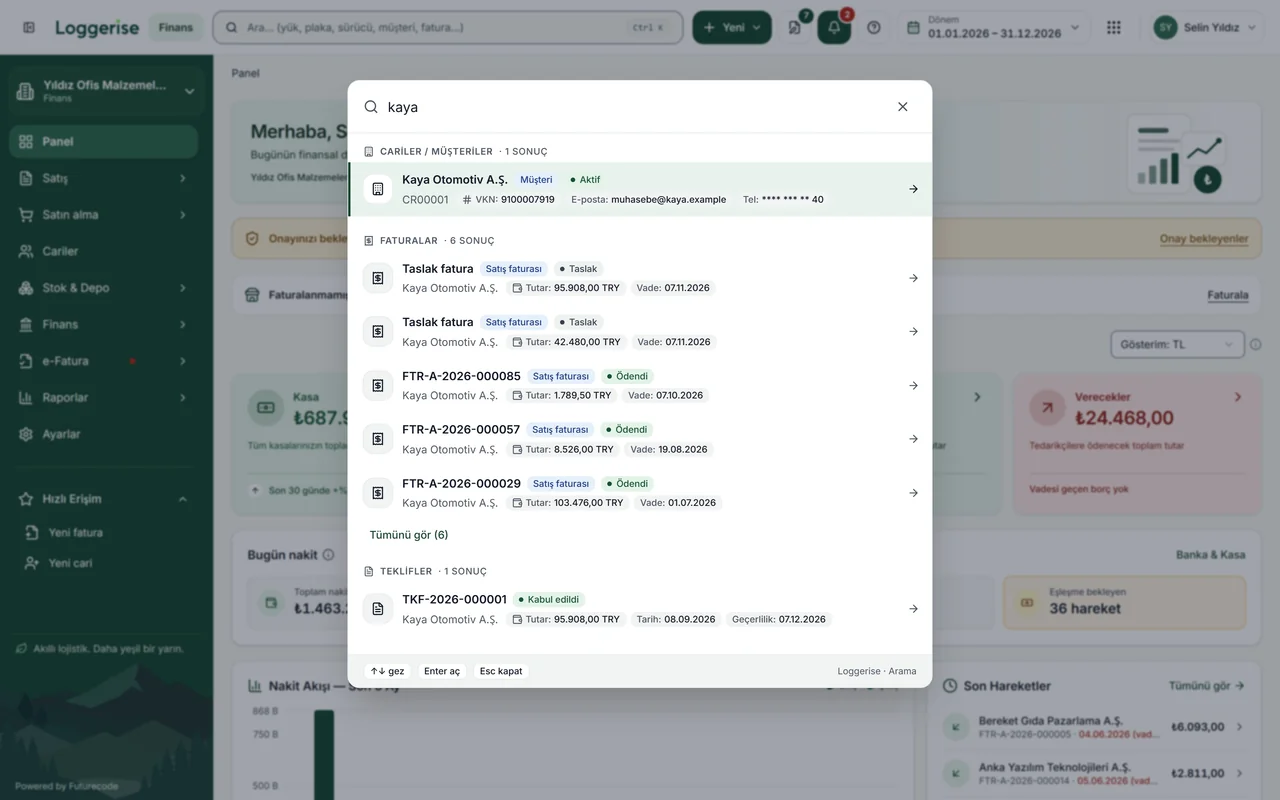
Loggerise training is made up of short videos that walk through the screens and step-by-step guide articles. As of November 2026, training content is live for Finance · pre-accounting: 25 short videos at loggerise.com/egitimler and 187 articles at finans.loggerise.com/kilavuz, currently in Turkish. Training pages for the other products are in preparation; teams are trained during the demo and onboarding.
Set up Finance, from first invoice to bank feed.
Each video shows one task and takes a few minutes.
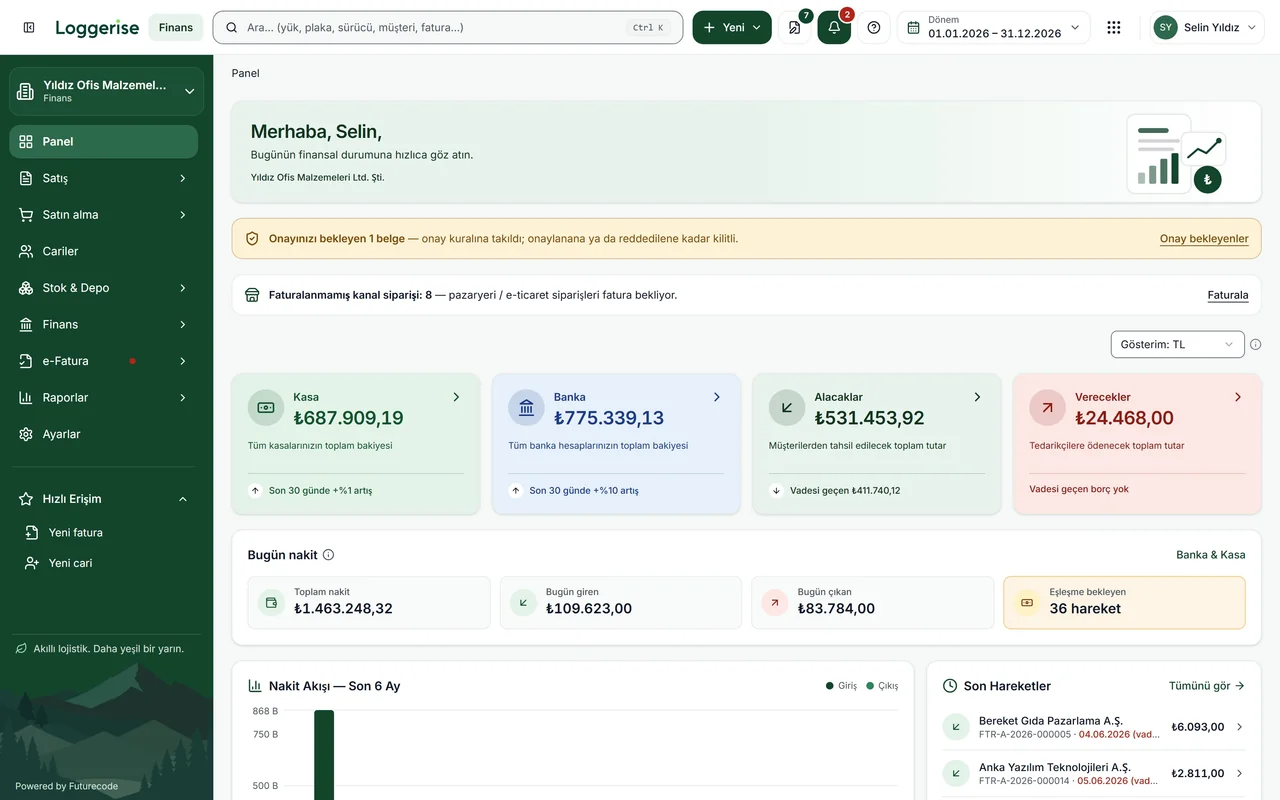 Training series · 2:12
 Finance
Signing in and choosing a company
Sign in and pick the company you'll work in.
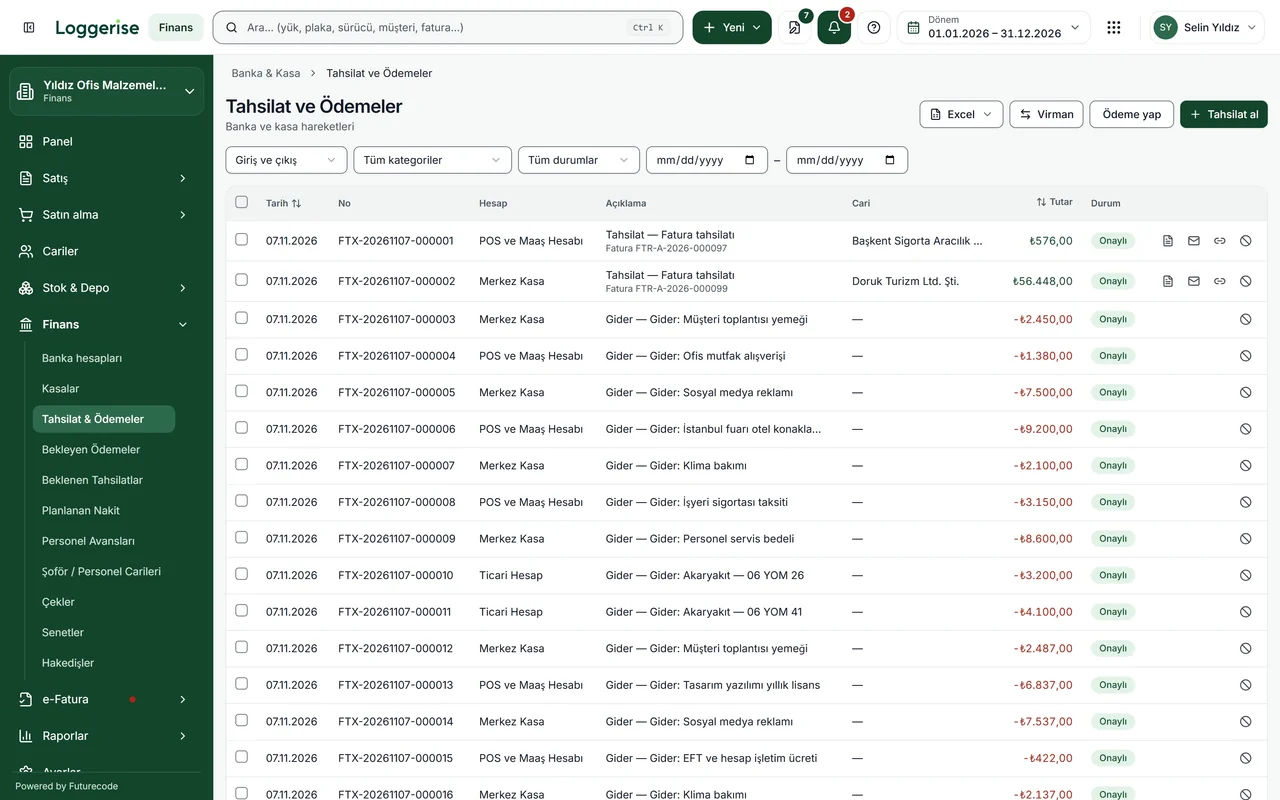 Training series · 2:15
Finance
Creating a customer account
Open a customer or supplier card.
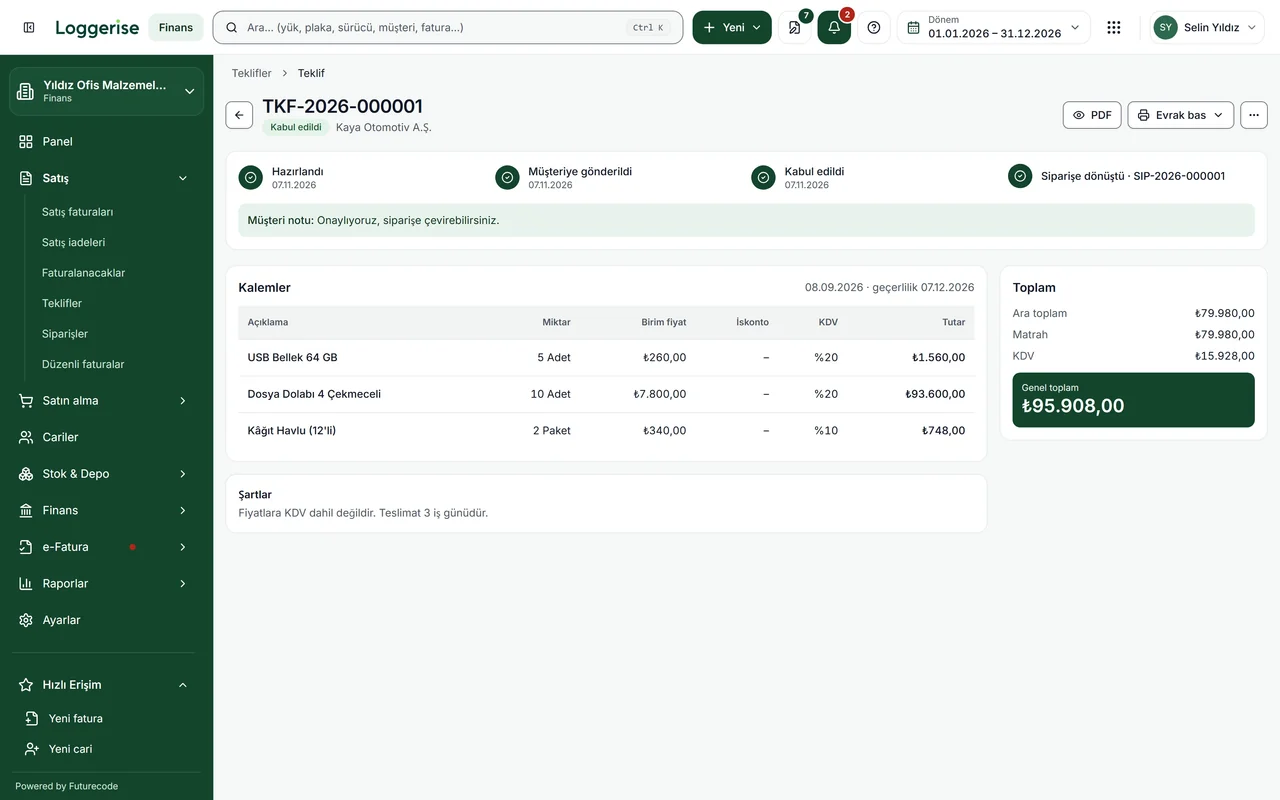 Training series · 2:29
Finance
Preparing a quote
Write a quote with its line items.
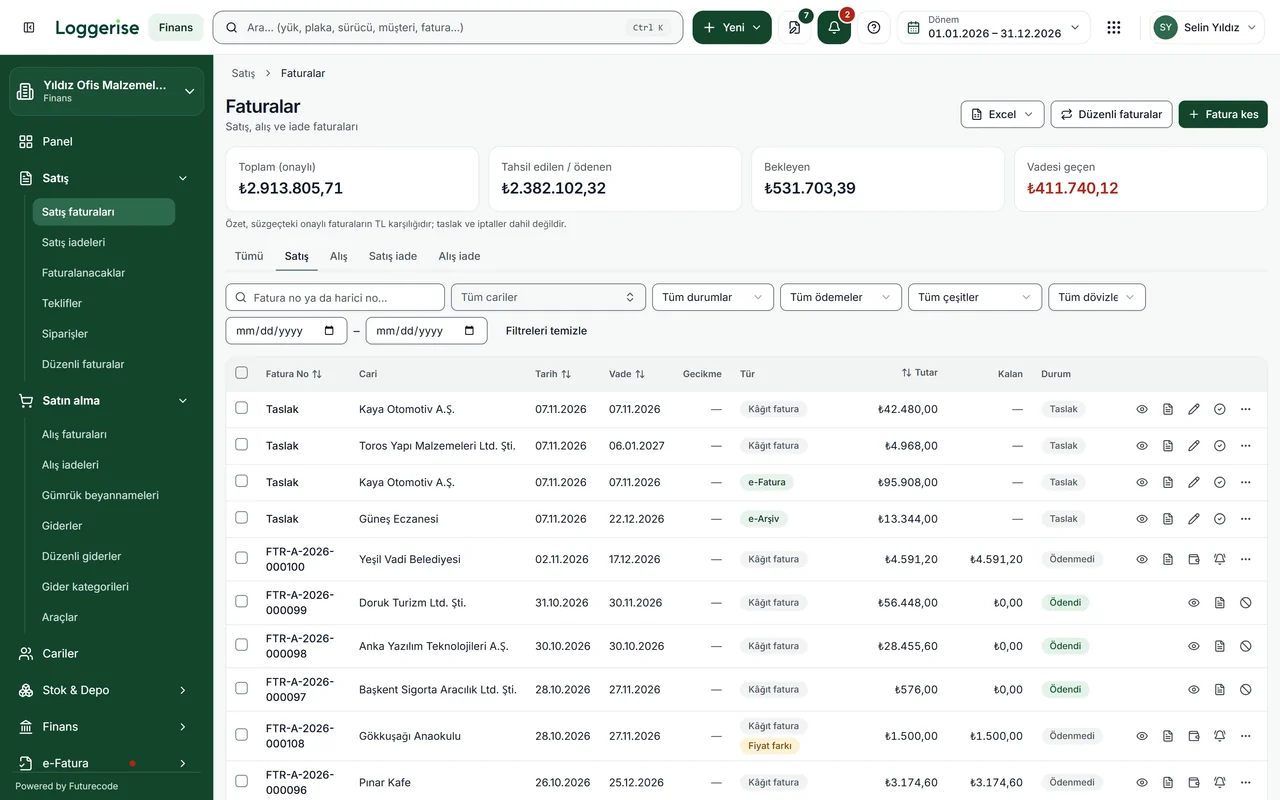 Training series · 1:57
Finance
From quote to invoice
Turn an accepted quote into an invoice.
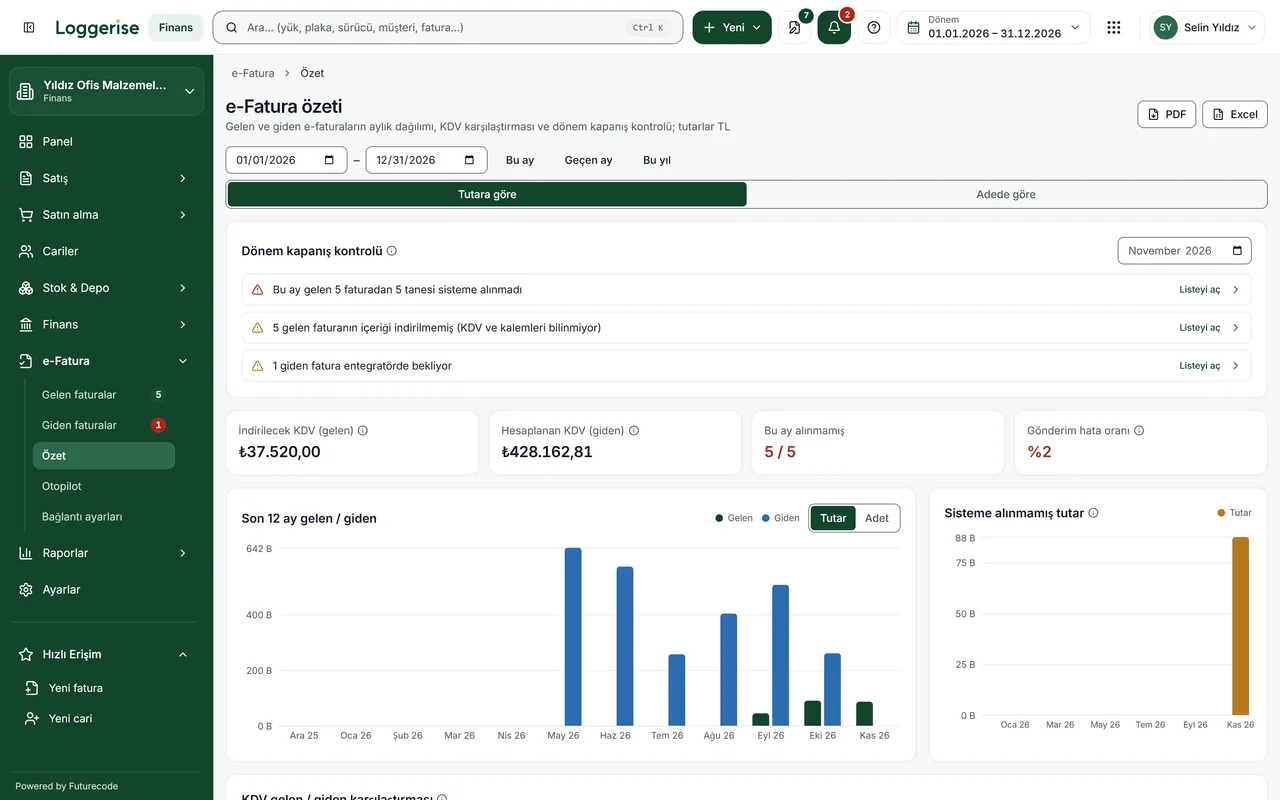 Training series · 1:59
Finance
Sending an e-invoice
Send the invoice through your own provider.
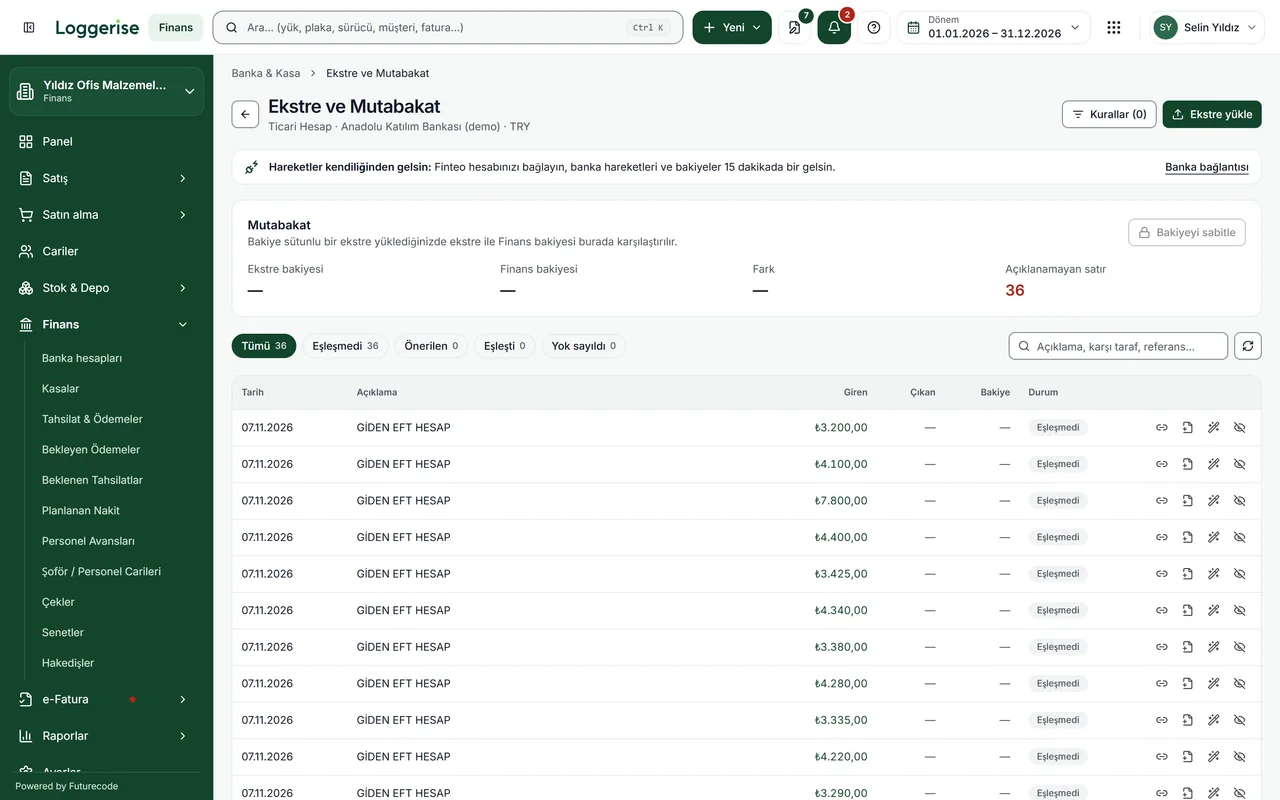 Training series · 2:18
Finance
Bank reconciliation
Match statement lines to invoices.
Video library
25 short videos in 7 series, in Turkish.
1. Getting started
Account, company details and first settings.
2. Accounts
Customer and supplier cards, bulk import, statements and balances.
3. Stock
Items, warehouses, stock slips and counts.
4. Sales
Quotes, sales invoices, e-invoices and payments received.
5. Purchases
Purchase invoices, expenses and supplier payments.
6. Bank and cash
Bank and cash accounts, transfers, statements and reconciliation.
7. Reports
Profit and loss, ageing, cash flow and customer profitability.
Every step, in its own article.
187 articles, each answering one question.
Transport, fleet, CRM, HR and Assets training.
Training pages for these products are in preparation. For now, we train your team during the demo and onboarding.
 International
 Domestic
 Fleet
 CRM
 HR
 Assets
Frequently asked questions
How do I learn to use Loggerise?
For Loggerise Finance · pre-accounting, short training videos are published at loggerise.com/egitimler and a 187-article guide at finans.loggerise.com/kilavuz (November 2026, in Turkish). Each video and article covers one task step by step. Teams starting on other Loggerise products are trained during the demo and onboarding.
What does the Loggerise Finance guide cover?
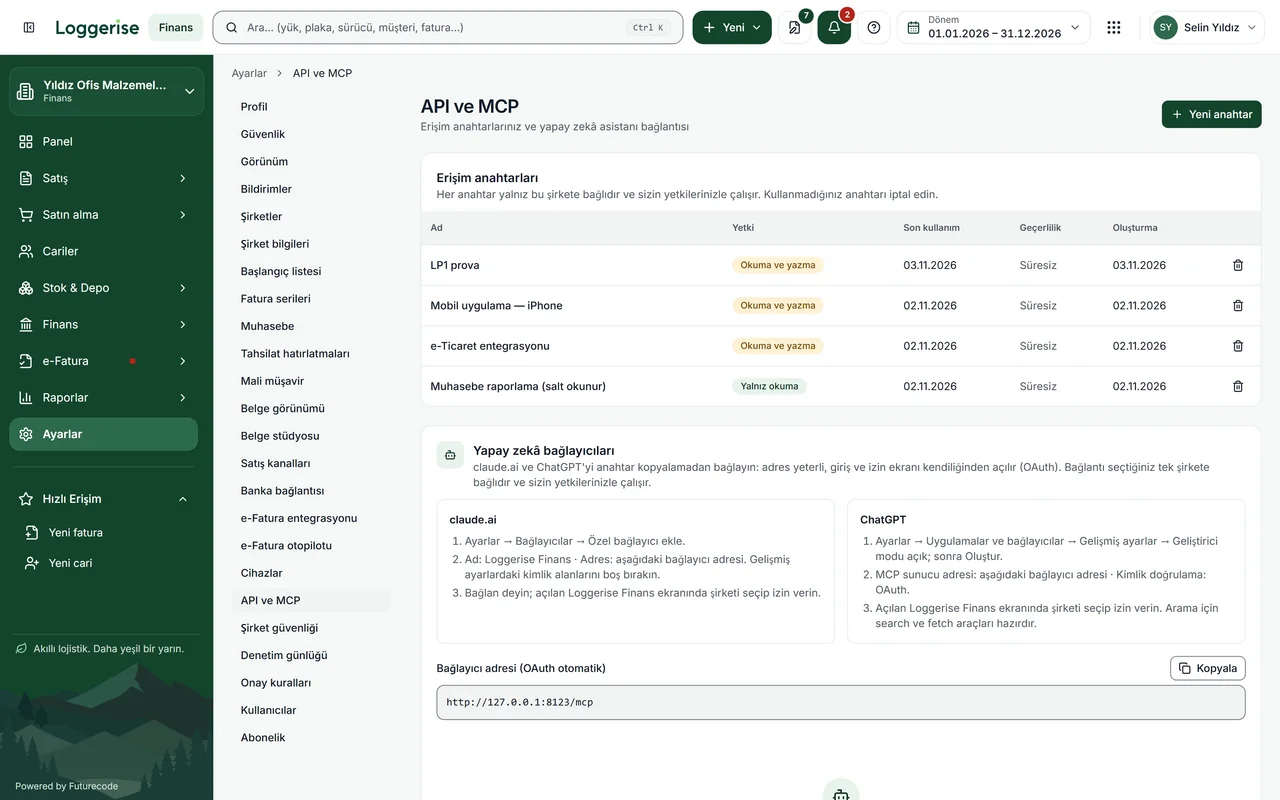
As of November 2026, the Loggerise Finance guide has 187 articles. Separate articles cover opening customer accounts, sales and purchase invoices, connecting an e-invoice provider, payment reminders, bank reconciliation, inviting an accountant, managing several companies and connecting Claude or ChatGPT. The guide is at finans.loggerise.com/kilavuz and is written in Turkish.
How do I connect Claude or ChatGPT to Loggerise?
Claude and ChatGPT connect to Loggerise through a single address: https://app.loggerise.com/mcp. Add it as a custom connector in the assistant's settings, sign in to Loggerise in the window that opens, and choose the company the connection should work in. The step-by-step article is at finans.loggerise.com/kilavuz/claude-chatgpt-mcp-baglama.
Is there training for the other Loggerise products?
As of November 2026, public training videos and guides are live only for Loggerise Finance. Training pages for International, Domestic, Fleet, CRM, HR and Assets are in preparation. Companies starting on these products receive product training from the Loggerise team during the demo call and the onboarding process.