



Home / Demo
See it with your own work.
We show the screens using your processes, and help you decide which product to start with.
- A sample flow for your sector
- How your existing data moves across
- A live test of the AI connection
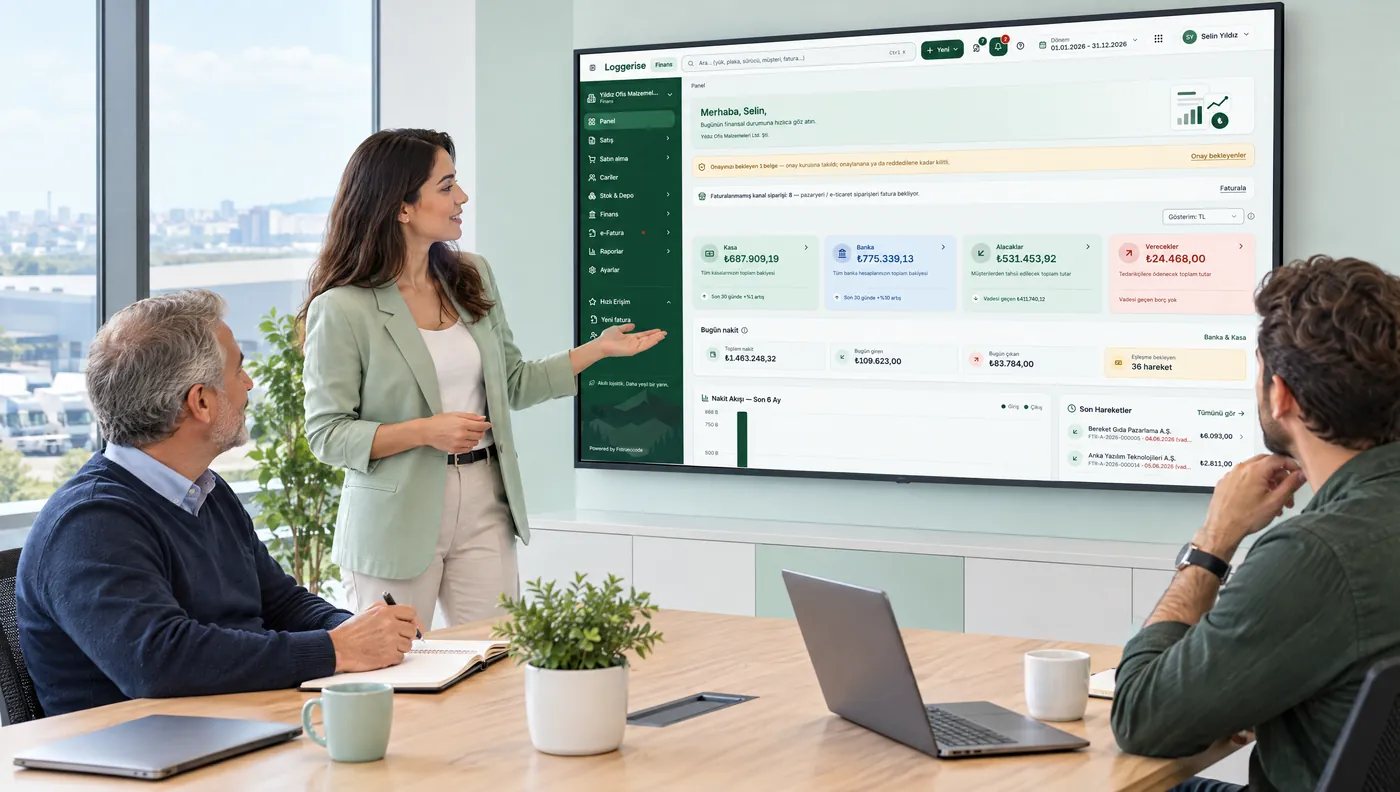
What we cover in the call
We listen
How you handle loads, trips, vehicles and invoices today.
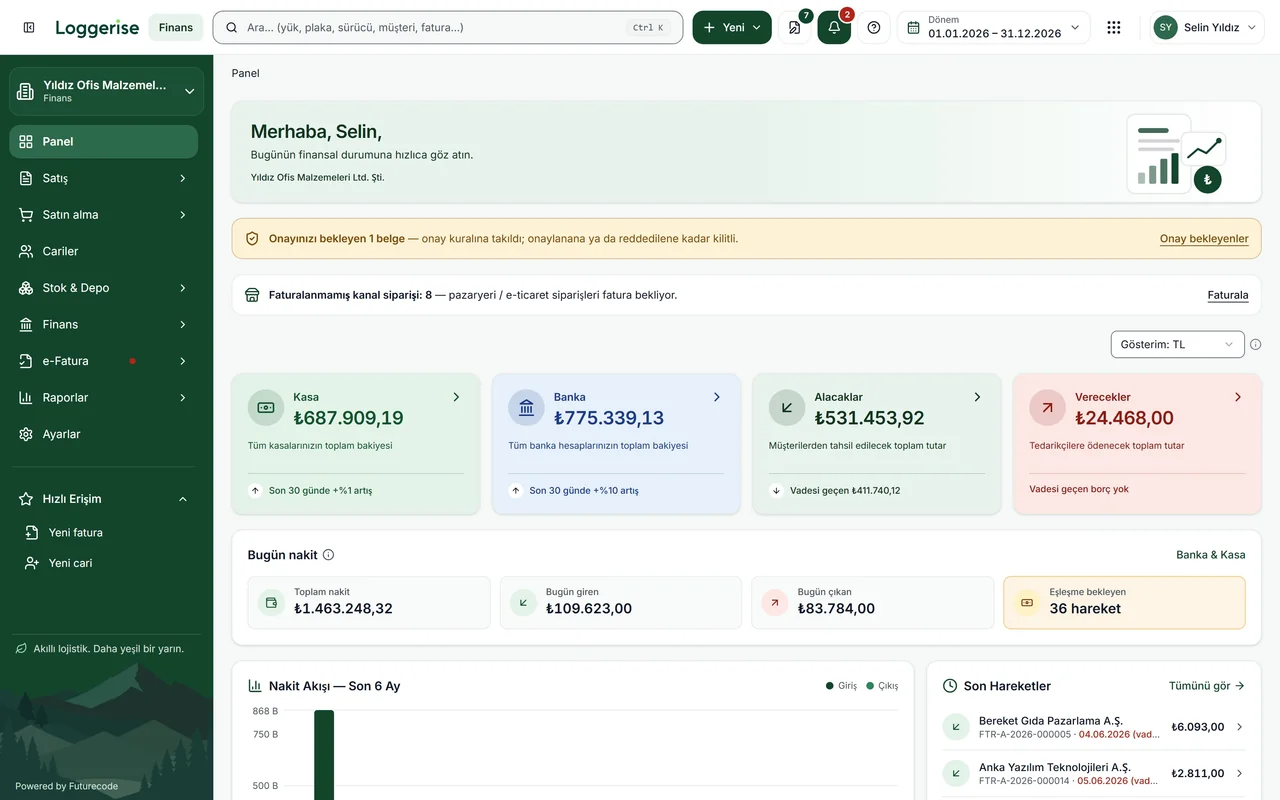
We show the screens
One sample record, start to finish, in the products you chose.
We talk data
How your customer, product, vehicle and staff lists come in via Excel templates.
We try the AI
We connect Claude or ChatGPT and give the first instruction together.
We agree a starting point
Which product and which plan to begin with.
You can also start straight away.
Create an account, set up your company and use the products during a 14-day trial period.
How do I book a Loggerise demo?
A Loggerise demo is booked through the form at loggerise.com/en/book-a-demo. The form asks for your name, company, phone, email, fleet size and the products you are interested in. The Loggerise team then calls to set a time. In the call, the products are shown against your own processes and a starting product is agreed.
What does a Loggerise demo cover?
A Loggerise demo follows one sample record from start to finish in the chosen products — for example a load from quote to invoice, or a quote through to payment. It explains how customer, product, vehicle and staff lists are imported with Excel templates, and connects Claude or ChatGPT live for a first instruction.
Can I try Loggerise without a demo?
Yes. Anyone can create a Loggerise account at app.loggerise.com/kayit, set up a company and use the products during a 14-day trial period. At the end of the trial, you choose a plan to continue. Loggerise publishes its prices, excluding VAT, at loggerise.com/en/pricing-and-plans.